



Why Semi-Rugged Laptops Are a Practical Choice for Mobile Workforces
Standard office laptops are not designed for frequent vibration, accidental drops, dusty work areas, or repeated transportation between job sites. Fully rugged computers can tolerate severe conditions, but not every organization requires that degree of protection. The toughbook cf 54 occupies the middle ground by providing greater physical protection than a consumer notebook while retaining the portability needed for everyday mobile work.
What Is a Semi-Rugged Laptop?
A semi-rugged laptop is designed for professional environments that are more demanding than a conventional office but less severe than military, emergency-response, or heavy-industrial settings. Its construction may include a reinforced case, protected internal components, a spill-resistant keyboard, stronger hinges, and storage designed to withstand movement.
This type of laptop can suit employees who work in service vehicles, warehouses, workshops, temporary offices, and outdoor locations. It provides added protection against common workplace risks without the bulk usually associated with a fully rugged computer.
Semi-rugged does not mean indestructible. Buyers should still examine the protection ratings and operating limits of the individual model. The correct choice depends on the hazards the computer will face, not simply the rugged label attached to it.
Protection Against Everyday Workplace Hazards
Mobile employees regularly carry computers through doorways, across parking areas, and between vehicles and buildings. A laptop may be placed on an equipment cart, passenger seat, workbench, or uneven surface. These ordinary activities expose it to bumps, vibration, dust, and accidental falls.
The CF-54 was developed with mobile business use in mind. Its reinforced construction helps it withstand working conditions that could shorten the life of an office notebook. This makes it relevant for organizations that need dependable computers but do not routinely operate in heavy rain, deep mud, or other extreme surroundings.
Physical protection can also reduce indirect costs. A damaged laptop may interrupt a service call, delay a report, or prevent an employee from accessing customer information. Repair expenses are only part of the total loss; downtime and missed work can cost considerably more.
Portability Still Matters
Rugged construction is useful only if employees can comfortably carry the device. Field personnel may move a laptop several times during a shift, so weight, size, handle design, and ease of storage matter.
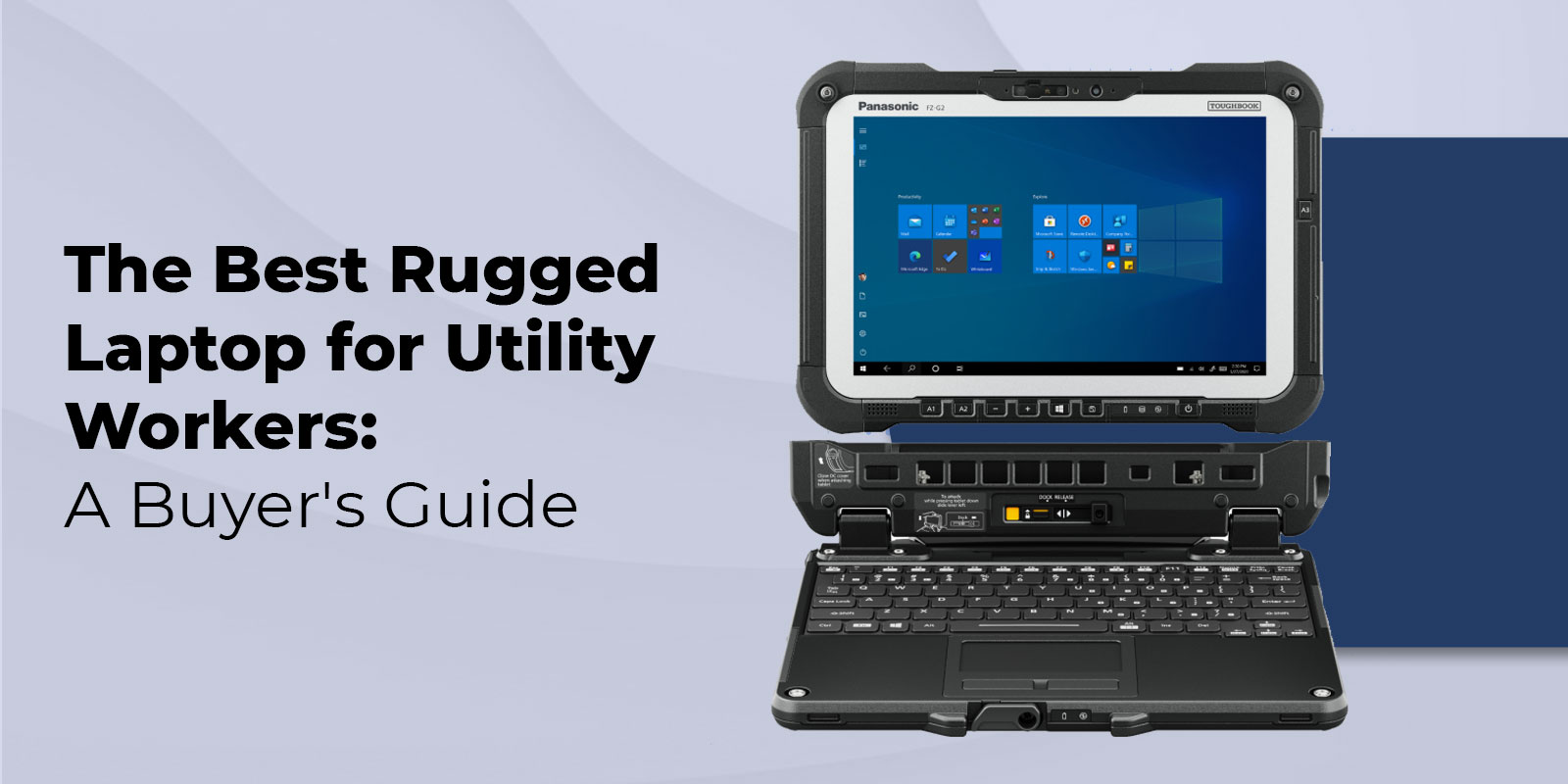
The Toughbook CF-54 combines semi-rugged construction with a comparatively slim design for its category. It can be used at a desk, carried between locations, or installed in a compatible vehicle dock. This flexibility makes it suitable for organizations whose employees divide their time between office and field assignments.
Vehicle use requires additional planning. Buyers should confirm dock compatibility, charging requirements, mounting location, and access to ports. The mount must also be positioned so it does not interfere with the driver’s visibility or vehicle controls.
Business Connections Remain Important
Many thin consumer laptops offer only a small selection of ports. That can create problems for technicians and field teams who need to connect diagnostic devices, wired networks, monitors, projectors, removable storage, or older equipment.
Available CF-54 configurations may include several business-oriented connection options. However, port selection can vary, so buyers should review the specifications of the individual unit before purchasing.
Organizations should list every device the laptop must connect to, including equipment used only occasionally. Adapters can solve some connection problems, but they introduce another component that employees must carry, maintain, and replace.
Wireless requirements should also be considered. Wi-Fi may be enough for staff who work near customer networks, while mobile teams may need cellular connectivity or a separate hotspot. Bluetooth can be useful for scanners, printers, headsets, and other accessories.
Match the Configuration to the Workload
Ruggedness should not distract buyers from basic computing requirements. The processor, memory, storage, operating system, display, and battery must support the intended software.
An employee completing forms and accessing browser-based systems may need a modest configuration. A technician running diagnostic programs, maps, databases, or several applications at once may require more memory and processing power.
Storage capacity should reflect both current and future needs. Solid-state storage is generally well suited to mobile computing because it has no moving parts and supports faster startup and file access. Organizations should also decide whether information will be stored locally, on a company server, or through approved cloud services.
Which Industries Can Benefit?
The CF-54 can support work in utilities, telecommunications, transportation, fleet maintenance, construction, manufacturing, warehousing, public works, and field services. It may also serve inspectors, insurance assessors, sales representatives, and professionals who travel frequently.
Its suitability depends on the actual environment. A warehouse supervisor may need protection from dust and occasional bumps, while an emergency responder working in severe weather may require a fully rugged and weather-sealed device.
What Should Buyers Confirm?
Before purchasing, buyers should confirm the complete model number, processor, memory, storage, operating system, screen type, battery condition, ports, wireless features, and included accessories. They should also review warranty coverage and ask whether compatible chargers, batteries, docks, and vehicle mounts are available.
The right semi-rugged laptop can reduce equipment failures while giving employees the computing access they need away from a fixed desk. To compare CF-54 configurations and other rugged computers for professional use, visit Tough Rugged Laptops and select hardware that matches your working conditions.