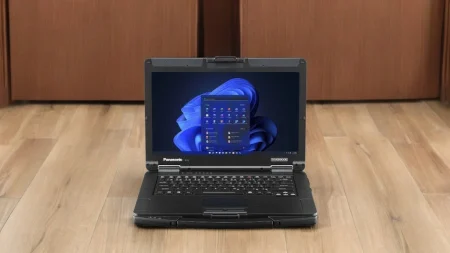




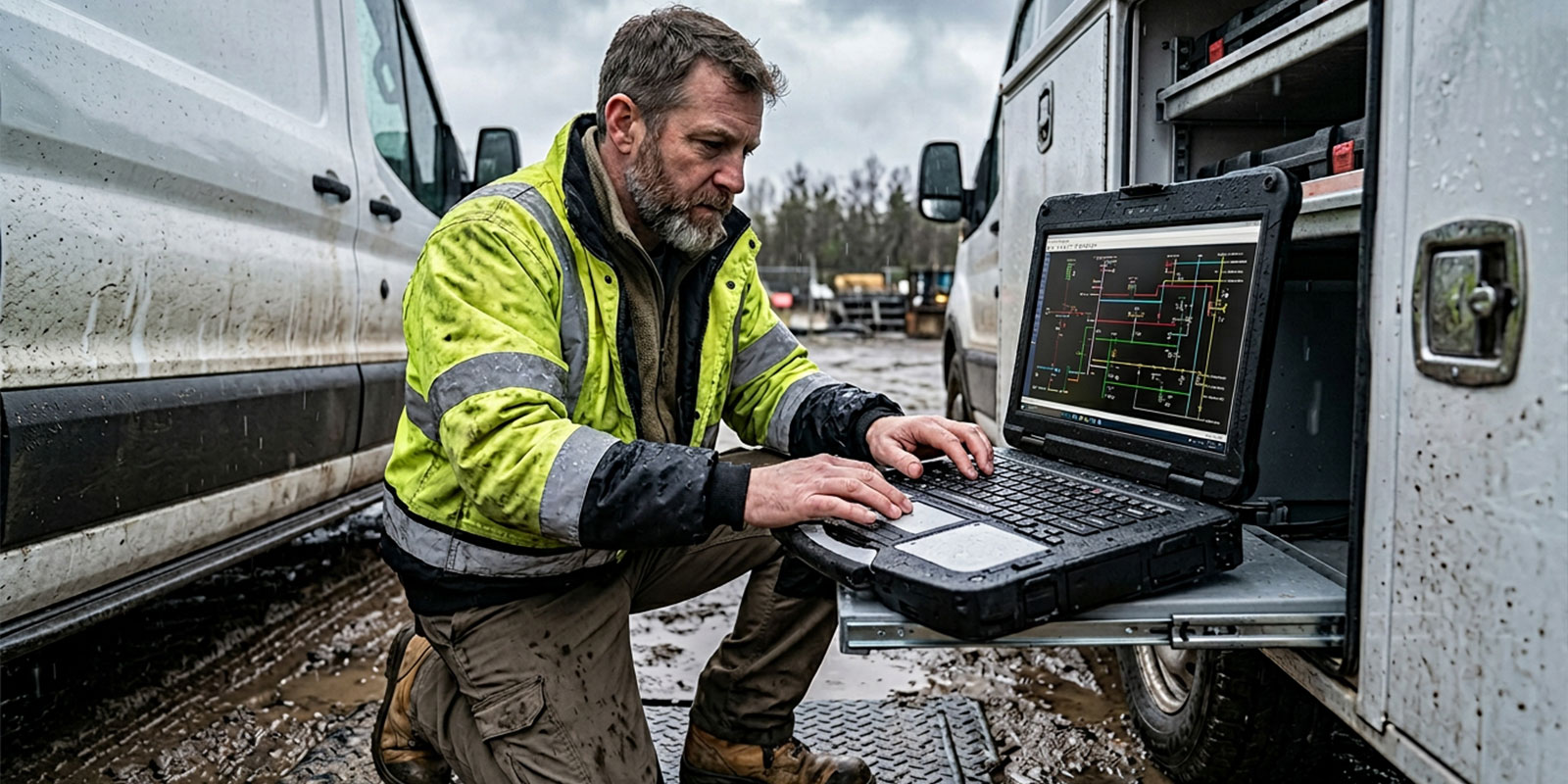
Field employees often use one computer for several tasks, from reviewing work orders inside a vehicle to running diagnostic software beside industrial equipment. A standard office laptop may not tolerate frequent movement, vibration, dust, minor impacts, and changing temperatures. The panasonic toughbook 55 rugged laptop combines semi-rugged construction with a modular design, making it suitable for mobile professionals whose technical requirements may change over time.
Why Field Work Places More Stress on Computers
Mobile employees rarely use laptops under the controlled conditions found in an office. Devices may be transported between locations several times each day, mounted inside vehicles, placed on workshop surfaces, or carried through active jobsites.
Common field risks include:
- Repeated vehicle vibration
- Accidental drops and knocks
- Dust around ports and ventilation openings
- Minor spills and light moisture
- Hot or cold storage conditions
- Frequent connecting and disconnecting of equipment
- Daily transportation between work locations
These conditions can damage hinges, ports, keyboards, screens, storage drives, and internal components. A computer failure may also stop inspections, delay reports, or prevent a technician from accessing diagnostic information.
Where Does a Semi-Rugged Laptop Fit?
The Toughbook 55 is classified as a semi-rugged laptop. This category sits between a conventional business computer and a fully rugged device.
Semi-rugged laptops are commonly suited to employees who:
- Work mainly in vehicles or sheltered locations
- Need protection against vibration and minor drops
- Occasionally work outdoors
- Move frequently between offices and jobsites
- Require a full-size keyboard and display
- Do not face regular exposure to heavy rain or deep dust
Fully rugged computers may be more appropriate for users who regularly work in severe weather, dusty industrial areas, emergency scenes, or locations with a high risk of impact.
Selecting the appropriate protection level can help an organization avoid paying for construction that employees do not need while still reducing the risk of premature device failure.
Why Modular Construction Matters
Field technology requirements can change as an organization adopts new software, equipment, or security practices. Replacing an entire laptop whenever a port or feature is required can become costly.
The Toughbook 55 supports replaceable expansion modules commonly referred to as xPAKs. Available modules depend on the model generation and configuration, but the system can provide options for additional ports, security tools, storage, and other functions.
A modular approach may provide several benefits:
- Required features can be selected during configuration
- Certain modules can be replaced without changing the full computer
- Different departments can receive different configurations
- Damaged components may be easier to service
- Devices can be prepared for specific field applications
- Organizations can avoid unnecessary features
Before purchasing, buyers should confirm that the modules they require are compatible with the selected Toughbook 55 generation.
A 14-Inch Display Supports Detailed Work
Field employees may need to read wiring diagrams, equipment records, maps, inspection forms, and diagnostic results. A 14-inch display provides more viewing space than a compact tablet while remaining practical for vehicle and mobile use.
Depending on the selected configuration, useful display features may include:
- Touchscreen operation
- Higher brightness for outdoor viewing
- Anti-reflective screen treatment
- Glove-compatible controls
- Stylus support
- Adjustable brightness settings
Display requirements should be based on the normal working location. A technician working mainly inside a workshop may have different needs from an inspector who spends several hours outdoors.
Buyers should check screen brightness, touch capability, resolution, and visibility before placing a large device order.
Battery Configuration Affects Shift Coverage
Employees working away from an office may not have regular access to a power outlet. Battery requirements should account for the length of a typical shift as well as the software and accessories used.
Factors that can shorten battery life include:
- High screen brightness
- Mobile broadband connections
- GPS use
- Diagnostic programs
- External USB equipment
- Cold temperatures
- Aging battery cells
Some Toughbook 55 configurations support a second battery. This can extend working time for employees completing long routes, inspections, or maintenance assignments.
Organizations should also consider vehicle chargers, spare batteries, office charging stations, and procedures for monitoring battery condition.
Ports and Connectivity Must Match Existing Equipment
A field laptop must communicate with the organization’s current equipment. Purchasing teams should create a connection checklist before selecting a configuration.
Requirements may include:
- USB-A and USB-C ports
- Ethernet
- HDMI or other display connections
- Serial ports
- Wi-Fi
- Bluetooth
- Mobile broadband
- GPS
- Smart card access
- Vehicle docking
- External antennas
Serial connections may remain important for automotive diagnostics, industrial machinery, and older utility equipment. Mobile broadband and GPS may be priorities for fleet, public safety, and field service teams.
Which Industries May Benefit?
The Toughbook 55 can support work across several sectors, including:
- Automotive diagnostics and repair
- Utility maintenance
- Construction supervision
- Transportation and fleet services
- Warehousing and logistics
- Manufacturing
- Telecommunications
- Insurance inspection
- Field sales and service
- Public-sector administration
The correct model should be selected according to working conditions, software demands, memory, storage, ports, battery needs, and mounting plans.
What Should Buyers Check Before Ordering?
Before choosing a Toughbook 55, confirm:
- Processor, memory, and storage requirements
- Display and touchscreen needs
- Required xPAK modules
- Battery configuration
- Wireless connections
- Vehicle dock compatibility
- Environmental testing
- Warranty coverage
- Repair options
- New or professionally refurbished condition
A properly selected configuration can reduce equipment interruptions and give employees dependable access to essential applications. Organizations can visit Tough Rugged Laptops to compare available Toughbook 55 options, discuss upgrades, and choose a computer that matches their field operations.