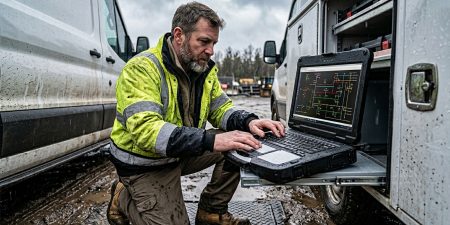



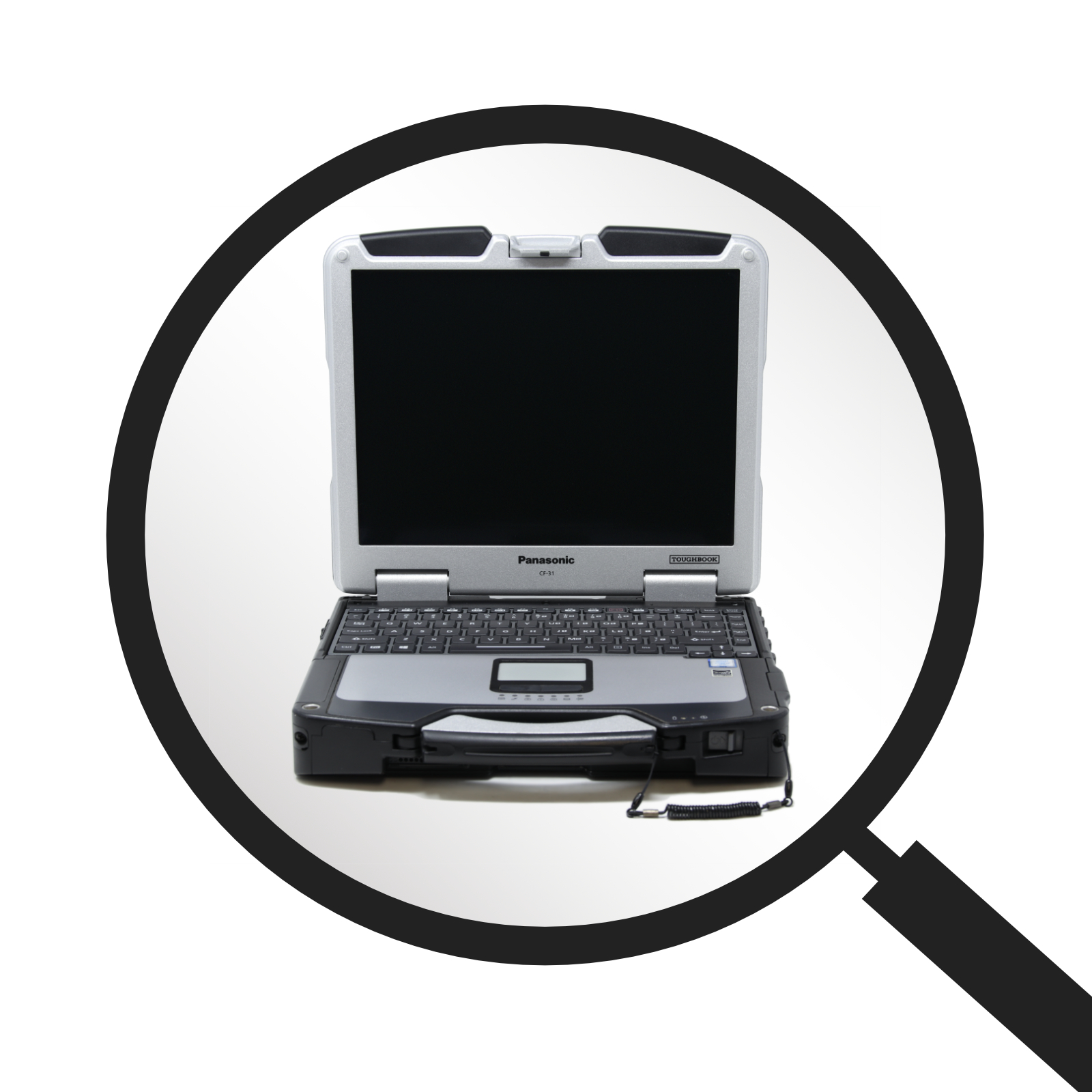
Selecting a field computer involves more than comparing processor speed and storage capacity. A device that performs well in an office may struggle when exposed to dust, moisture, vibration, temperature changes, or frequent transportation. A panasonic toughbook is built for demanding working conditions, but different models serve different users. Before purchasing one, organizations should examine the work environment, required software, connectivity needs, and expected service life.
Define Where the Computer Will Be Used
Begin by documenting the conditions the device will face during a normal shift. A laptop mounted inside a police vehicle has different requirements from one carried through a warehouse or used by a utility technician outdoors.
Consider whether the computer will be exposed to:
- Rain, humidity, or water splashes
- Dust, dirt, or sand
- High or low temperatures
- Repeated vehicle vibration
- Accidental drops
- Direct sunlight
- Frequent movement between locations
Understanding these conditions will help determine how much physical protection is necessary. It can also prevent an organization from paying for features its employees will rarely use.
Compare Ruggedness Levels
Not every Toughbook offers the same degree of protection. Models are often grouped into business-rugged, semi-rugged, and fully rugged categories. A business-rugged laptop may work well for frequent travel and light field use, while a fully rugged model may be more appropriate for emergency response, construction, or industrial sites.
Buyers should review specific testing details rather than relying only on category labels. Look for available information about drop resistance, vibration, humidity, altitude, and temperature testing. Ingress Protection ratings can also help buyers understand how well the enclosure resists solids and liquids.
The right level of ruggedness should reflect actual working risks. Greater protection may add weight and cost, so the most heavily protected model is not automatically the right choice for every team.
Match Performance to the Required Software
Durability matters, but the computer must also run essential programs without delays. Buyers should review the recommended requirements for dispatch software, mapping tools, diagnostic applications, inventory platforms, or other job-related programs.
Important specifications include:
- Processor generation and speed
- Installed memory
- Storage type and capacity
- Graphics requirements
- Operating system compatibility
Employees performing basic reporting and record management may not need the same hardware as teams using mapping, video, design, or diagnostic programs. Choosing the right configuration helps control costs while maintaining dependable performance.
Review the Display and Touchscreen
Screen visibility can directly affect productivity in the field. A standard display may become difficult to read in sunlight, especially when employees work outdoors for long periods.
Buyers should consider display brightness, anti-reflective treatments, viewing angles, and screen size. Touch capability may be valuable for inspections, signatures, maps, and digital forms. However, organizations should confirm whether the touchscreen can be used with gloves, a stylus, or wet hands when those conditions are common.
Convertible and detachable models may be useful for employees who switch between keyboard work and standing tasks. Traditional laptop designs may be better for users who type frequently or work from a vehicle dock.
Plan for Battery and Charging Needs
Published battery estimates do not always reflect field use. Cellular connections, GPS, high screen brightness, and demanding software can reduce operating time.
For long shifts, consider replaceable batteries, dual-battery configurations, and hot-swappable battery support. Vehicle chargers and spare batteries may also be necessary. Teams should confirm that replacement batteries will remain available throughout the expected life of the computer.
Confirm Connectivity and Port Requirements
Field computers often connect to more equipment than standard office laptops. This may include barcode scanners, printers, cameras, serial devices, external antennas, diagnostic equipment, or vehicle docks.
Create a list of required ports before choosing a model. Check for USB connections, serial ports, Ethernet, video outputs, memory card slots, and antenna pass-through options where applicable.
Wireless requirements also matter. Some users may only need Wi-Fi and Bluetooth, while mobile teams may require cellular broadband and dedicated GPS. These options can vary by model and configuration.
Check Mounting and Docking Compatibility
Organizations using Toughbooks in vehicles should review the entire installation. The laptop, dock, mounting system, power connection, and antenna setup must work together.
A suitable mounting system should provide safe access without blocking vehicle controls or limiting passenger space. Buyers should also consider whether employees need to remove the computer quickly and use it away from the vehicle.
Decide Between New and Refurbished Equipment
New models may offer current processors, newer connection standards, and manufacturer coverage. Refurbished Toughbooks may provide a lower-cost option for organizations with straightforward computing requirements.
When comparing refurbished units, review the processor, memory, storage, battery condition, operating system, testing process, and warranty. Buyers should also verify that compatible docks, chargers, batteries, and replacement parts are available.
Consider the Total Ownership Cost
The lowest purchase price does not always produce the lowest long-term cost. Organizations should account for accessories, configuration work, repairs, replacement batteries, employee downtime, and future software needs.
The best choice is the model that fits the environment, supports essential applications, and remains serviceable throughout its intended life. To compare new and refurbished models, available configurations, upgrades, accessories, and repair services, visit Tough Rugged Laptops and speak with a rugged-computing specialist about the requirements of your field team.